
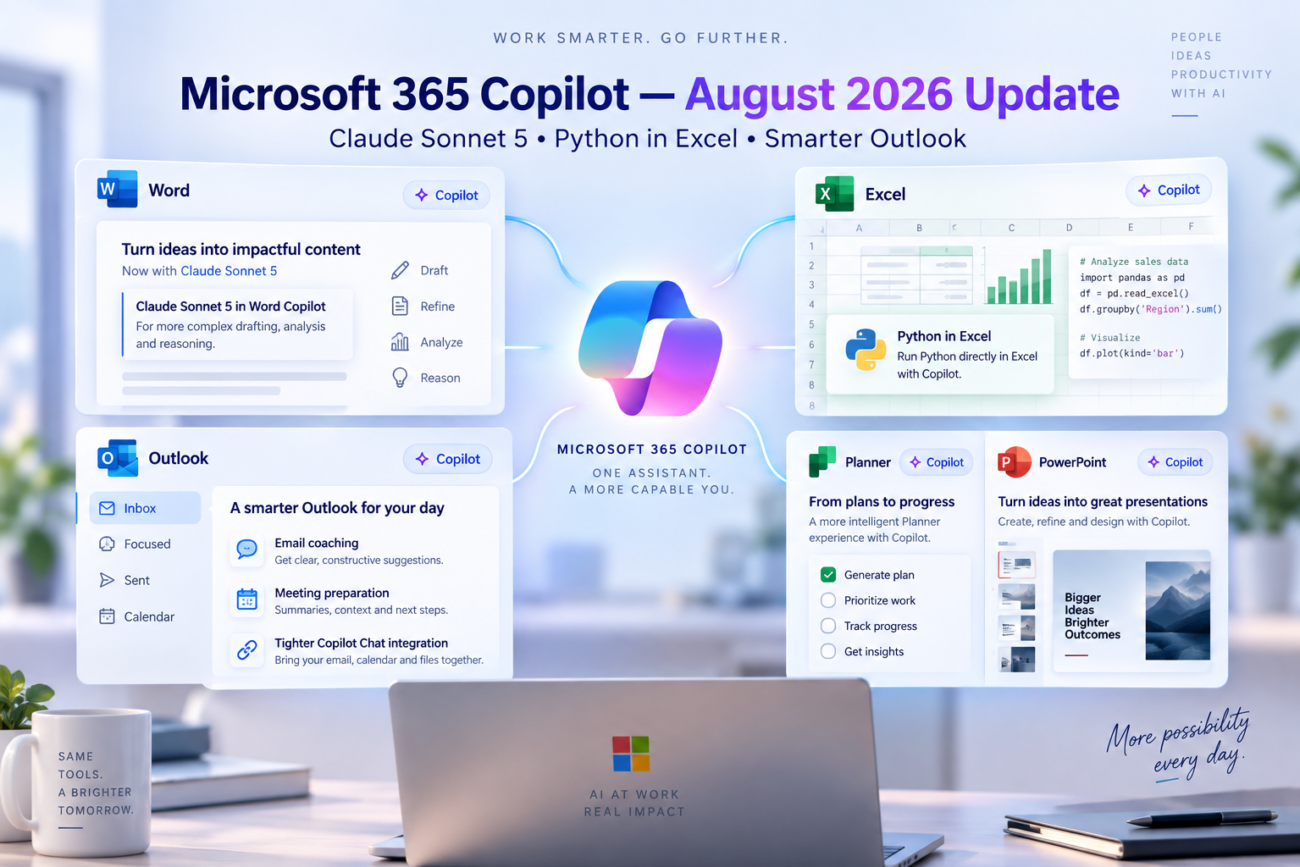
Microsoft 365 Copilot just got a notable upgrade, and this time the headline isn’t a new app integration — it’s a new brain. As of Microsoft’s August 25, 2026 release notes, Word’s Copilot now lets users switch on Anthropic’s Claude Sonnet 5 as the default model for higher-reasoning tasks, alongside a batch of smaller but genuinely useful changes across Excel, Outlook, PowerPoint, and Planner. Here’s what actually shipped, and why it matters for anyone using Microsoft’s productivity suite day to day.
A Multi-Model Copilot: Claude Sonnet 5 Joins the Lineup
Since April 2026, Microsoft has been quietly rolling Anthropic’s Claude models into Copilot for Word, Excel, and PowerPoint, giving users a choice beyond OpenAI’s models for the first time. The August update pushes that further: Word’s Copilot now offers Claude Sonnet 5 in its models menu, positioned as the go-to option for complex drafting and editing tasks that require stronger reasoning, according to Microsoft’s own release notes. In practice, that means a long contract redline or a technical report with lots of interdependent edits can be handed to a different model than the one summarizing your inbox — without leaving Word.
This matters beyond the feature checklist. Microsoft building genuine model choice into its flagship productivity suite is a signal that “one AI to rule them all” is giving way to a more pragmatic, task-based approach — use the model that’s actually good at the job in front of you, whoever built it.
Python Lands Inside Excel’s Copilot
Excel users on Windows, Mac, and the web can now have Copilot write and execute actual Python code directly inside a workbook, rather than just describing formulas in plain English. That opens the door to more advanced data cleaning, transformation, and visualization work without exporting to a notebook or a separate script. For analysts who’ve historically bounced between Excel and Python for anything beyond basic formulas, this closes a real gap.
Outlook and Copilot Chat Get More Connected
Several of August’s changes are about reducing app-switching. Copilot Chat can now open Outlook emails directly inside the chat pane, and users can add specific emails as knowledge sources inside Copilot Notebooks, letting Copilot ground its answers in real conversations and decisions rather than generic context. Outlook itself also picked up real-time coaching feedback as you draft an email — Copilot chimes in with suggestions on tone and clarity that you can accept or ignore inline, plus a “prepare for meetings” feature that pulls together context, action items, and related documents ahead of a call.
Microsoft also unified its web-and-work chat experience behind a single interface with a dedicated “Work IQ” toggle, letting users flip between general web-grounded answers and answers grounded in their own organizational data from one place, rather than switching between separate chat modes.
Planner Agent Expands, PowerPoint Gets Smarter Live
The Planner Agent — Copilot’s task-execution and status-reporting assistant for Microsoft Planner — is now available on all group-based plans, including the free/basic tier, not just premium ones. That’s a meaningful expansion for smaller teams who want lightweight project tracking without paying for the full stack.
PowerPoint, meanwhile, picked up a feature aimed squarely at live presentations: during PowerPoint Live sessions, attendees can now select text on a slide and ask Copilot to explain it on the spot, turning a static deck into something closer to an interactive Q&A tool mid-presentation.
Why It Matters
None of these changes is revolutionary on its own, but together they sketch where Microsoft is taking Copilot: more model flexibility, less app-switching, and AI assistance that shows up inside the specific moment you need it — drafting an email, presenting a slide, or cleaning a spreadsheet — rather than as a separate destination you have to visit. The Claude Sonnet 5 option is the most consequential of the bunch, since it suggests Microsoft is comfortable competing on “best model for the task” rather than betting everything on a single AI partner.
The Takeaway
If you’re a Microsoft 365 Copilot user, it’s worth checking the models menu in Word to see if Claude Sonnet 5 is available on your tenant, and trying the new Python-in-Excel workflow if you regularly wrangle messy data. For IT admins, the Planner Agent’s move to basic plans and the unified Work IQ chat are worth testing before they roll out more broadly. Microsoft ships these updates fast and often quietly — keeping an eye on the official release notes is still the best way to know what’s actually new versus what’s just marketing.